May 14, 2026, Guides
Elspal registration for owners and agents • step-by-step guide


Registration is simple: no password needed, just a link sent to your email
You don’t have to create or remember a password. You enter your email address, receive a message, click the link — and you’re inside your profile
The link is one-time and works for a limited time only, so it can’t be reused. Don’t forward the email to anyone else: it gives access to your profile and listing management
Step 1. Open the registration page
Join ElspalStep 2. Enter your email address
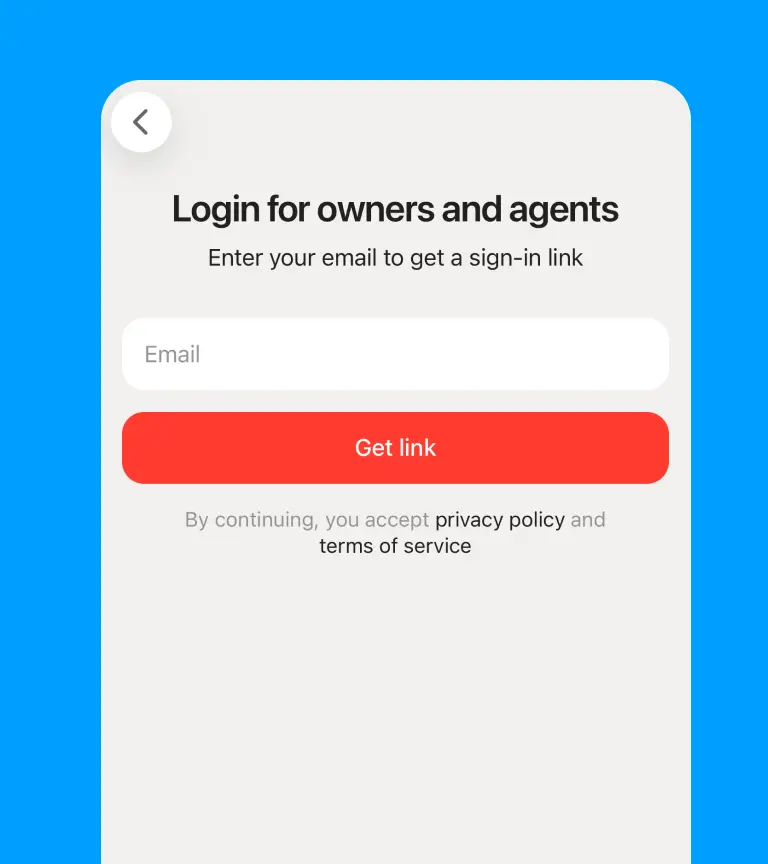
On the registration page, enter your email in the field “Enter your email to get a sign-in link”. It’s better to use an email address you always have access to — the login link will be sent to this email
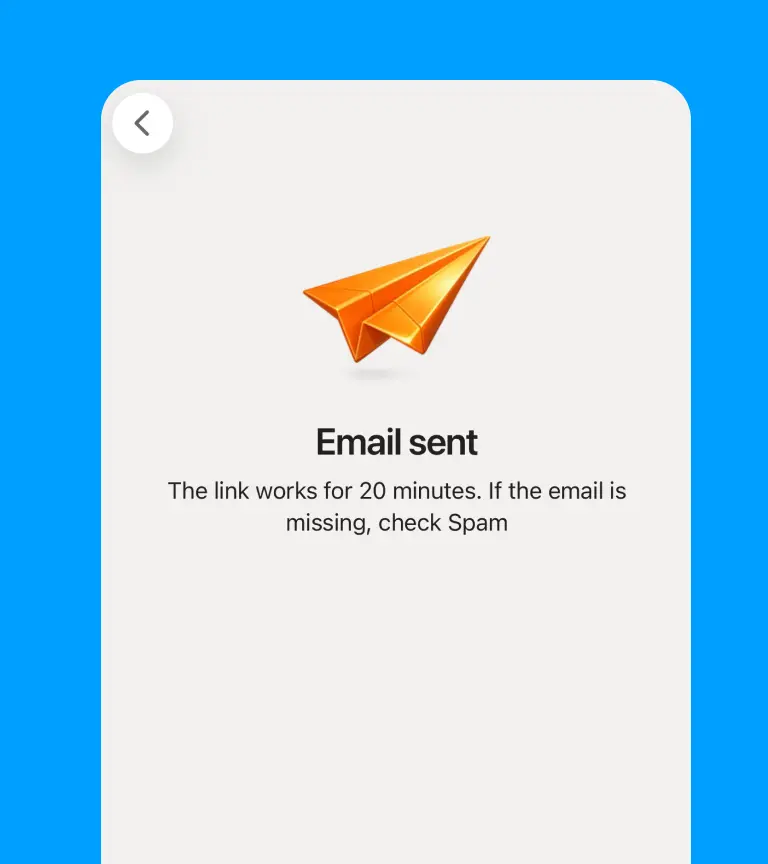
In most cases, you only need to sign in once — Elspal will keep you logged in on this device
Step 3. Check your email and open the login link
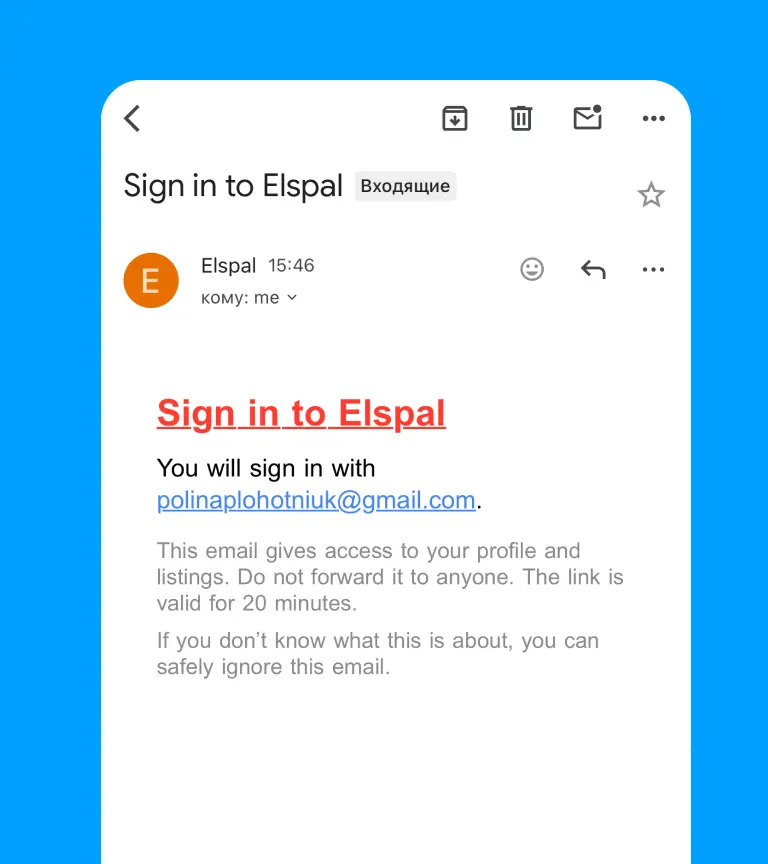
You’ll receive an email from Elspal with the subject “Login to Elspal”. Inside the email there will be a login link. It gives access to your profile and listings, so don’t forward it to other people. The link works for 20 minutes. If it expires, just request a new one on the login page
Can’t find the email? Take a look in your Spam folder
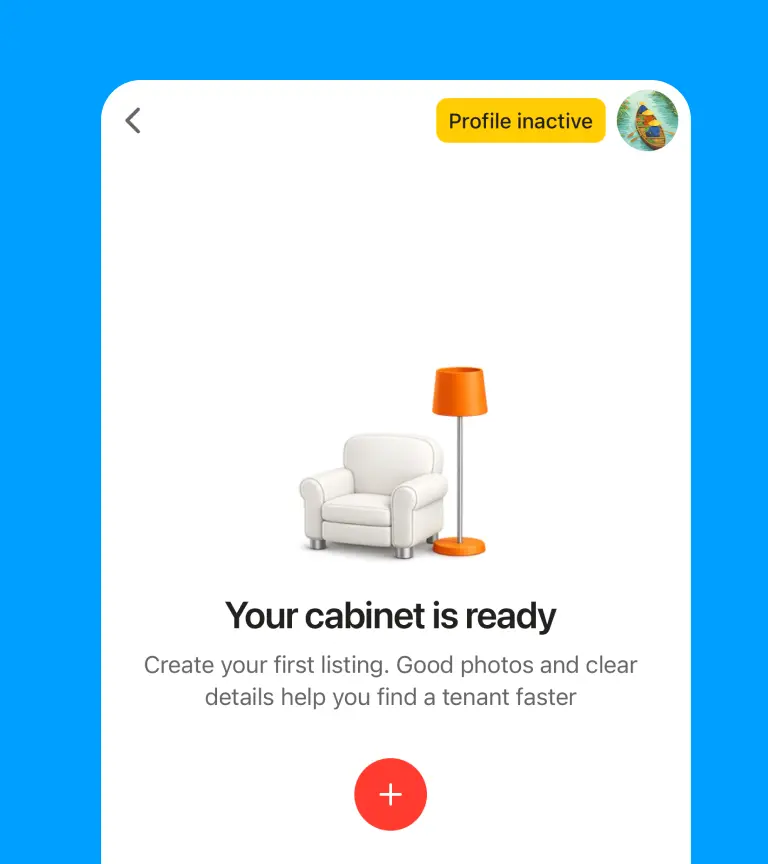
Almost done
You can add listings right after signing in, but they will appear on Elspal only after you complete your profile
Add your name, role, city and the ways clients can contact you: Telegram, WhatsApp, Zalo or Messenger
We recommend uploading a real photo. It makes your profile look more trustworthy and helps clients feel safer when contacting you
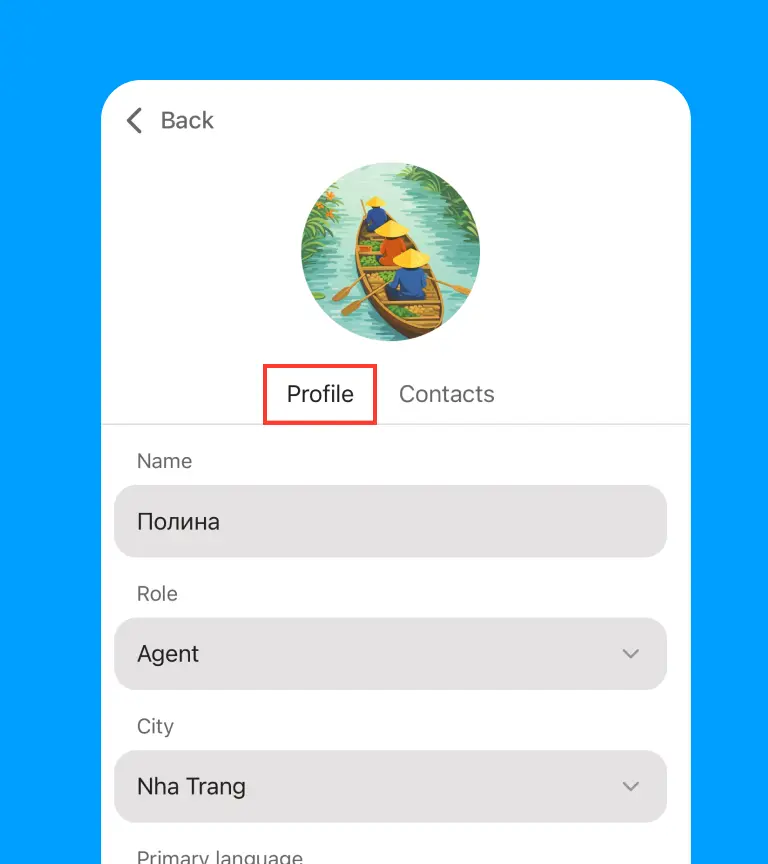
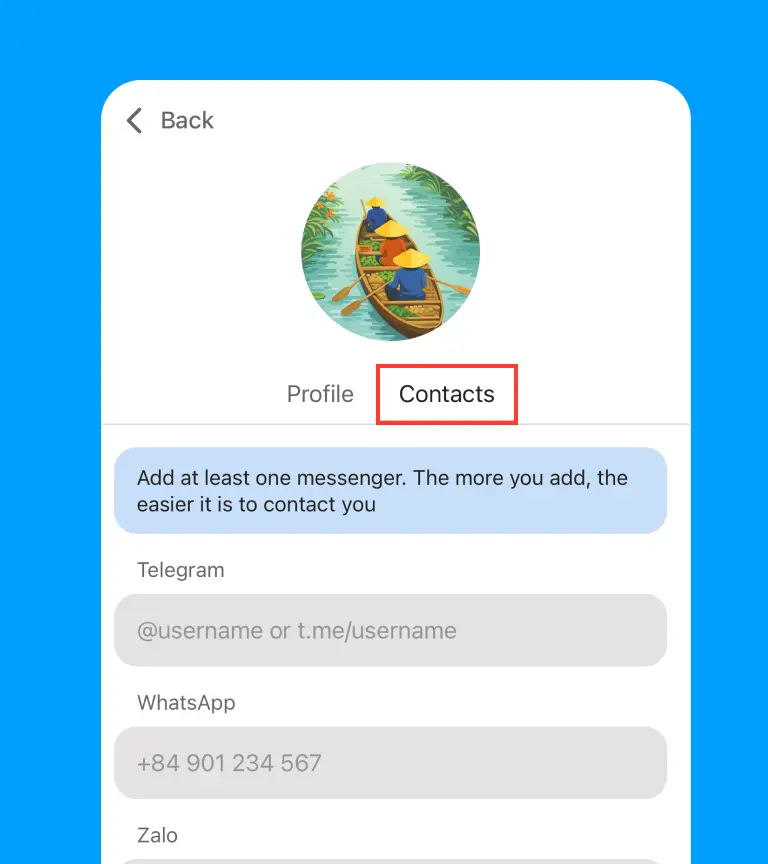
Then add your first listing: map location, property type, district, price, photos, description and rental terms
A clear profile and a detailed listing help clients quickly understand the property and contact you directly
Add a property on Elspal in 5 minutes
Important
Adding listings on Elspal is free for owners and agents
Clients contact you directly through Telegram, WhatsApp, Zalo or Messenger
You manage your listings yourself: add, edit, hide or update them anytime