Apr 22, 2026, For agents
Add a property on Elspal in 5 minutes

Creating your first listing takes about 5 minutes. After that, the process becomes much faster. All you need to get started is a few photos and a Google Maps link to the property
We’ve split the process into two simple steps:
Step 1 — add the basics
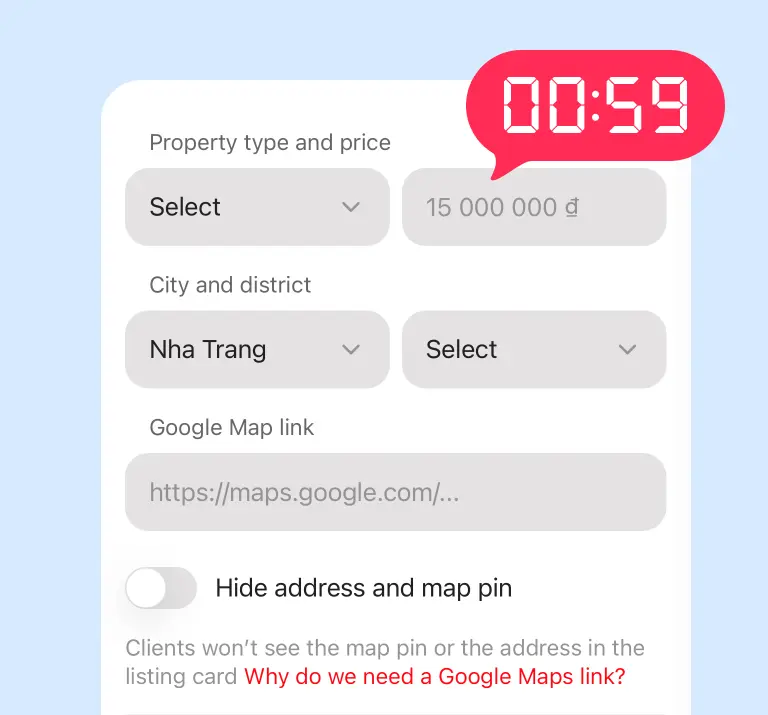
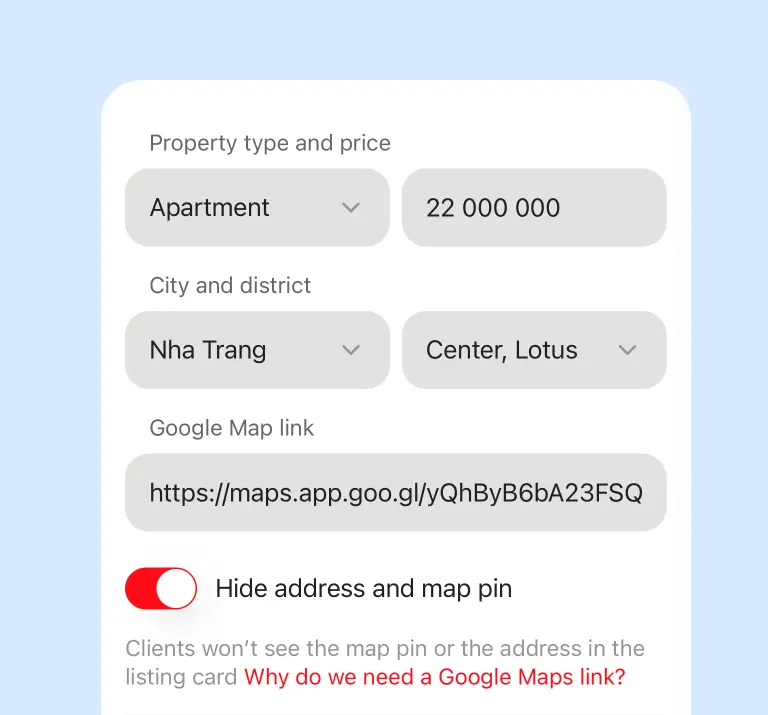
This step takes about a minute if you already have the map link. You’ll need to enter:
- property type
- price
- city (Nha Trang is preselected)
- area
- Google Maps link
You can hide the exact address if needed, but in most cases we recommend keeping it visible
At this stage, there’s already enough information to confirm the listing and move forward
Step 2 — complete the listing
You don’t need to fill everything in at once. The listing is divided into sections, and each section is saved automatically. Once the required sections are completed, your listing is ready to be published
Here are the main sections:
1. Photos
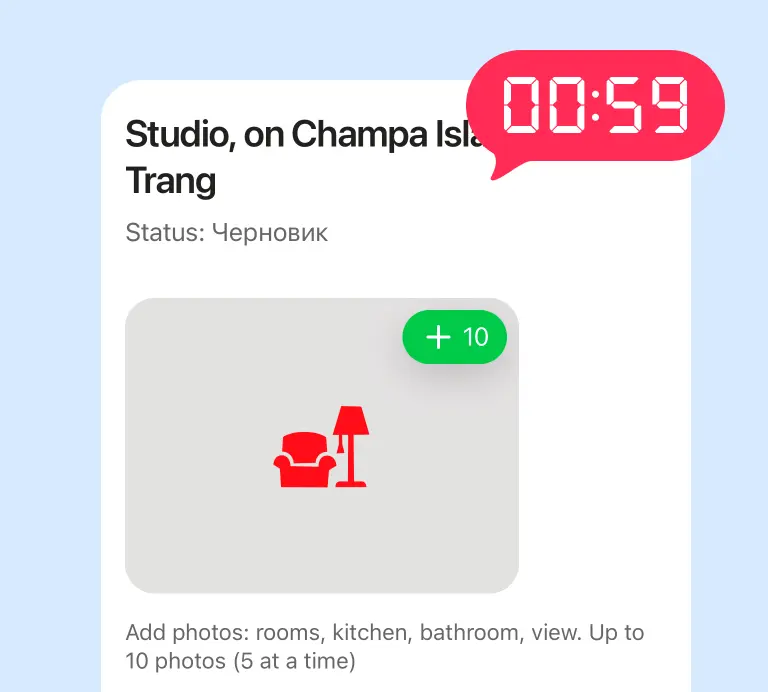
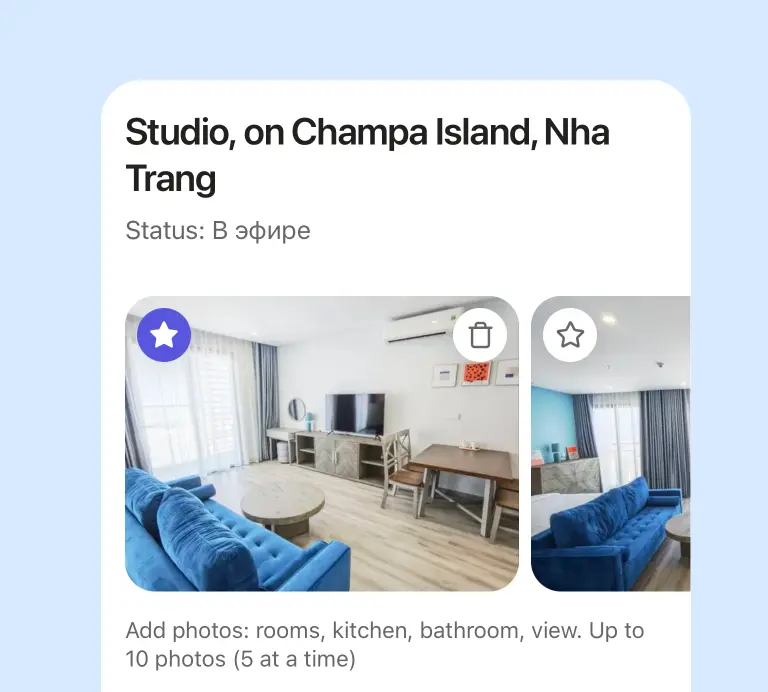
This step usually takes about a minute: upload your photos, arrange them in the right order, and choose a cover image
You can upload up to 10 photos — this is usually enough to present the property clearly without unnecessary duplicates. By default, the first photo becomes the cover, but you can select any image you prefer
One small detail: you can upload up to 5 photos at a time. This helps ensure stable uploads, even for large files (for example, photos taken on an iPhone)
2. Basic settings
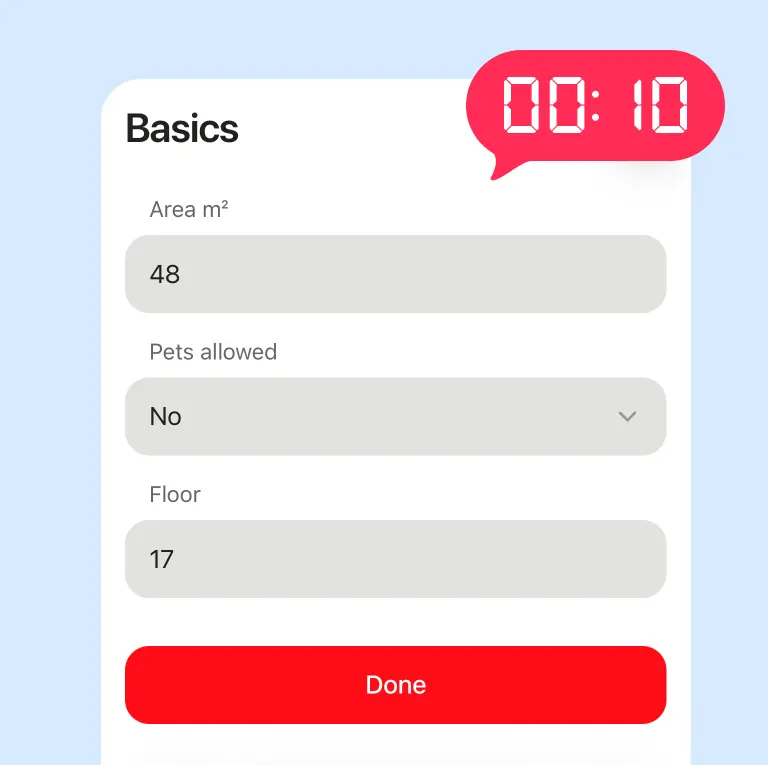
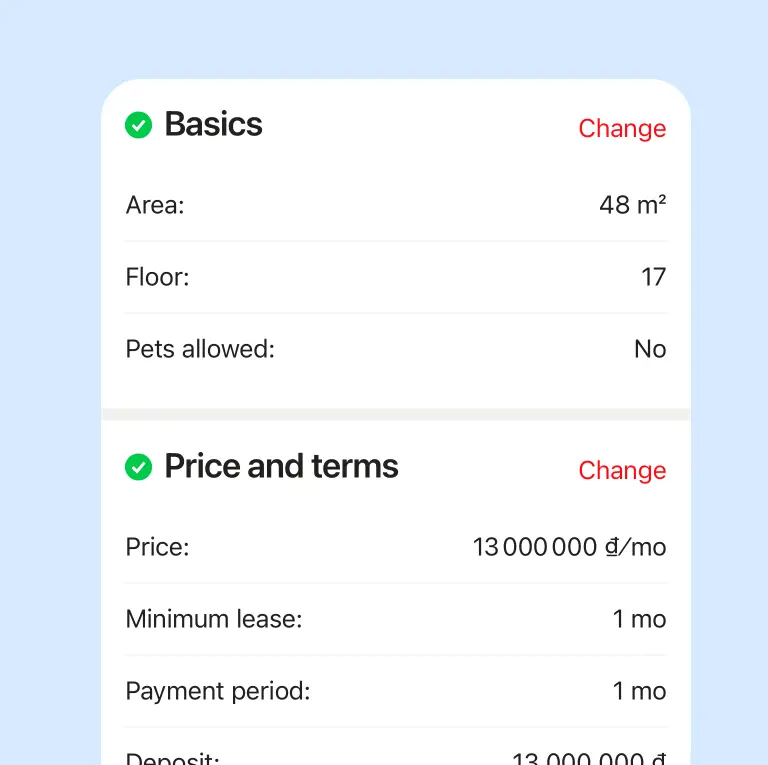
This is the quickest step — it usually takes around 10 seconds. Here you’ll add:
- property size, so renters understand the actual space
- number of bedrooms (for apartments, villas, and houses)
- whether pets are allowed
- floor level (for studios, apartments, and rooms)
3. Price & terms
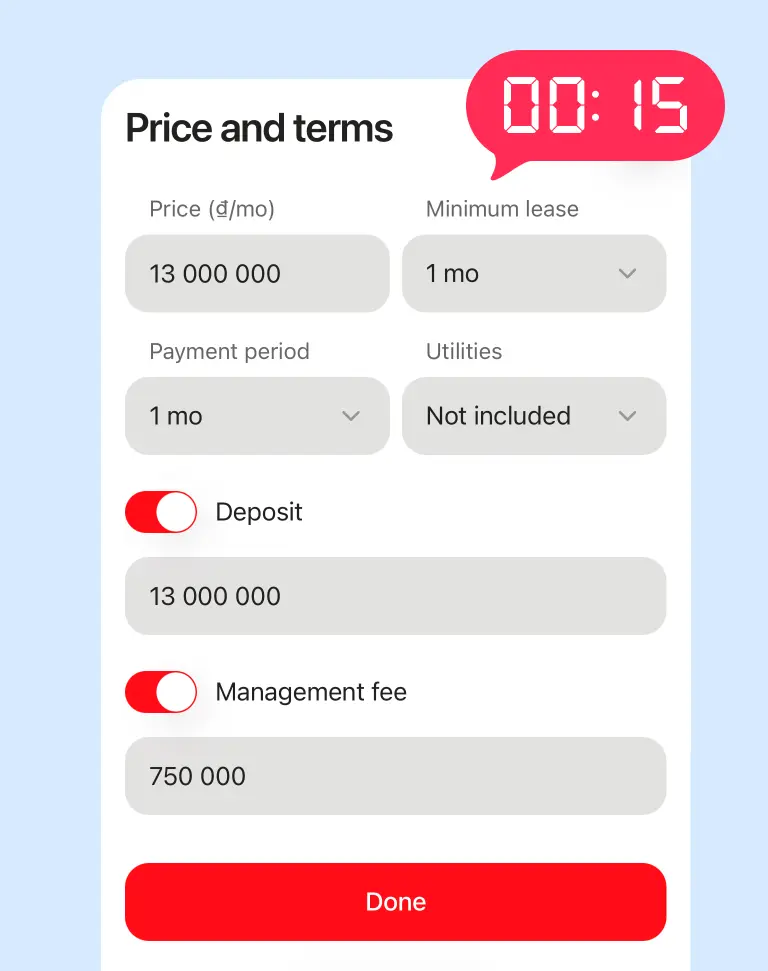
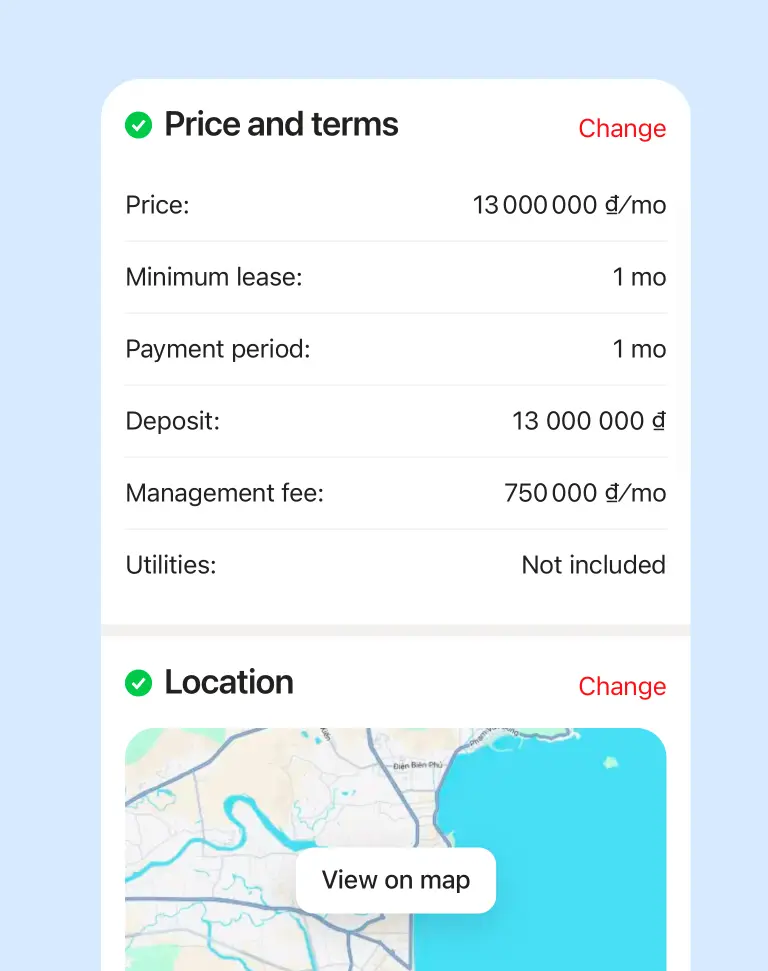
This is one of the most important sections. It helps renters quickly understand the real cost of the rental and the conditions. Here you’ll enter:
- monthly price
- minimum rental period
- payment terms (for example, 1 month or 3 months in advance)
This section is especially important because it answers most key questions before any conversation starts
4. Location
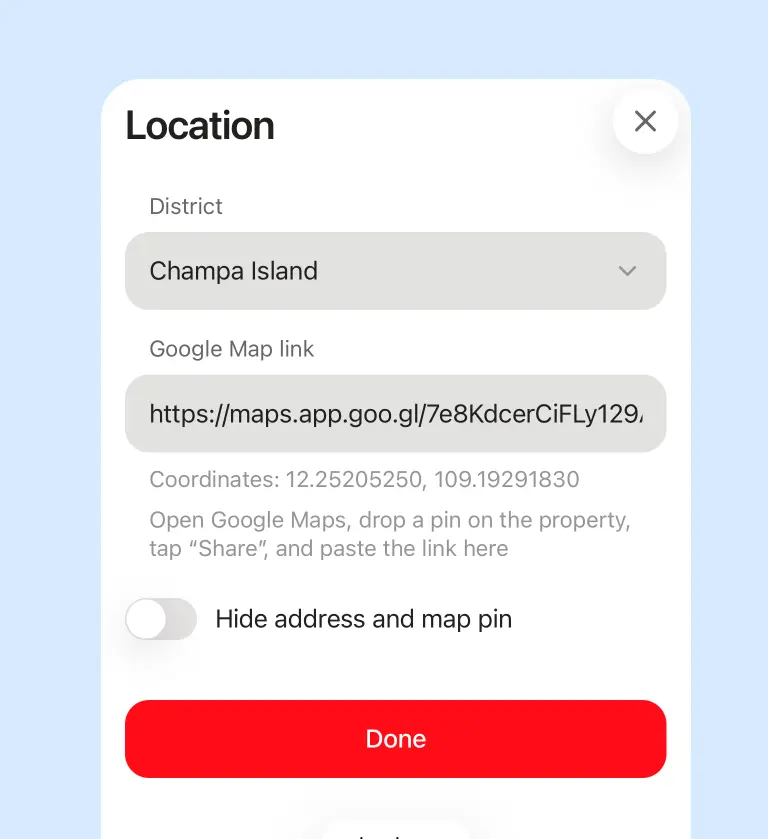
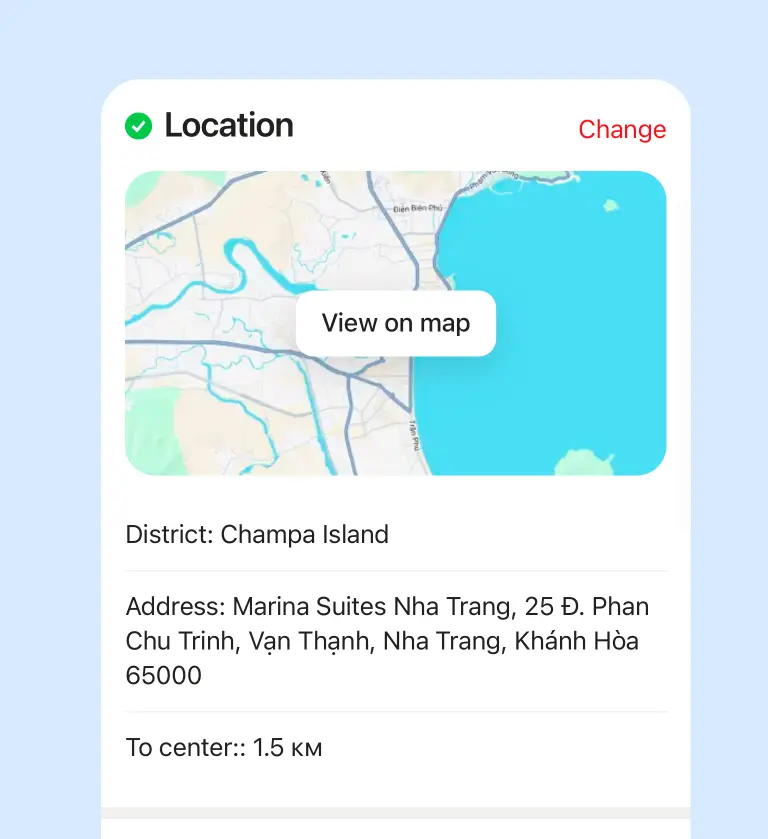
This section repeats Step 1. If everything was set correctly earlier, you usually don’t need to change anything here.
5. Area, facilities & amenities
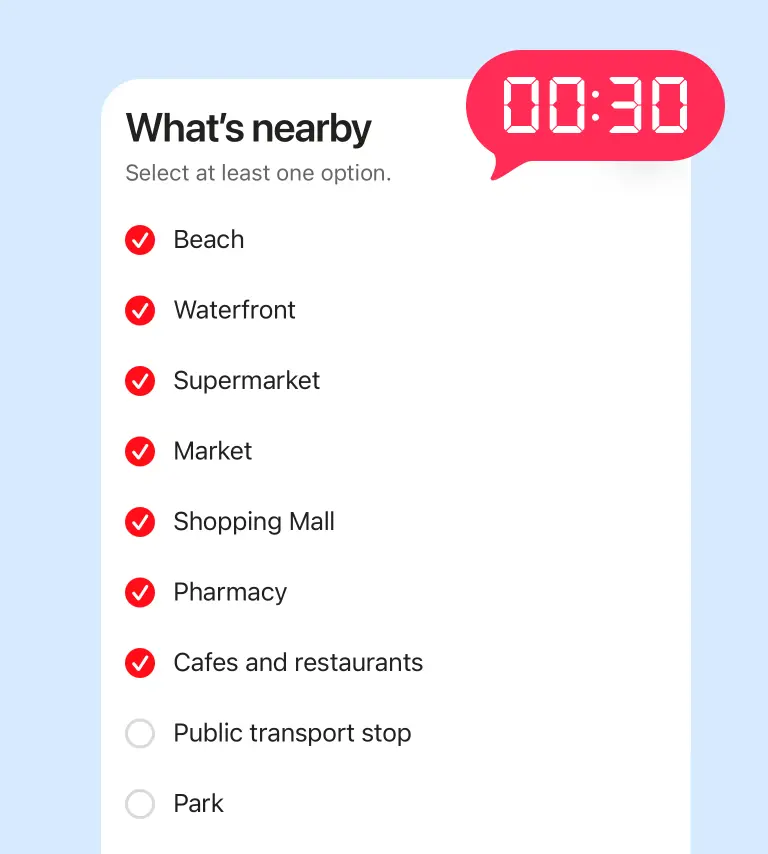
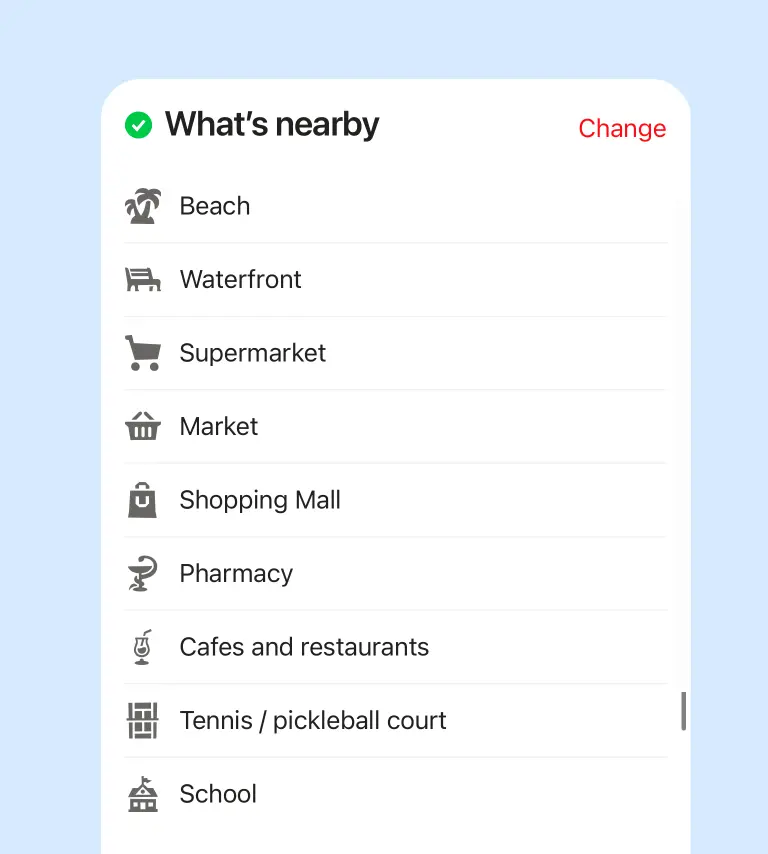
This part is simple — just mark what’s available and what’s not
We haven’t overloaded this section with minor details like irons or hairdryers. This isn’t short-term rental — it’s for long-term stays, so we focus on what really matters
Track progress with the progress bar
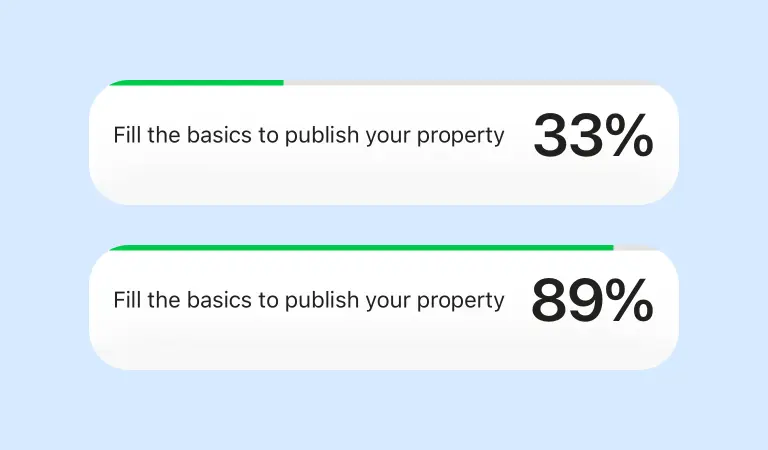
Your listing includes a progress bar to help you track completion. It shows what’s already filled in and what’s still missing, so you can quickly see your listing’s status and what to do next
You can also use it to track key actions — this is where you’ll see the main steps for publishing or unpublishing
If your listing isn’t ready to go live yet, the progress bar will show why. It highlights what’s missing and what needs to be completed before publishing
Ready to publish
Once the main sections are completed, your listing is ready to publish