Apr 29, 2026, For agents
You can hide the property address and map pin. However...

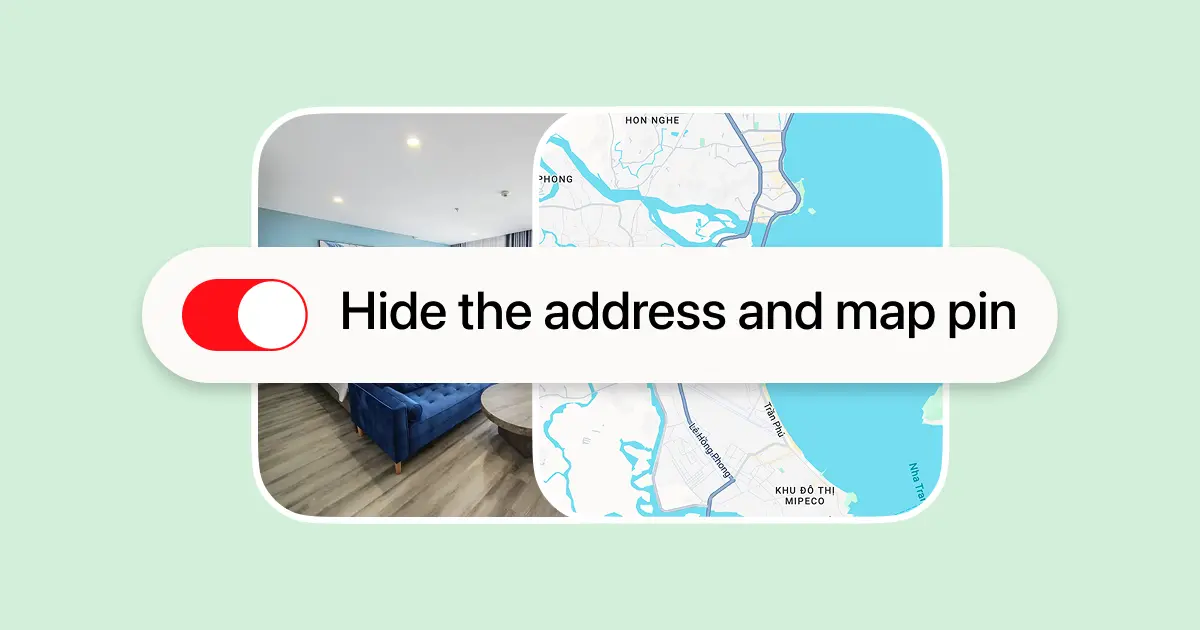
We talked to a few agents and noticed that not everyone is comfortable showing the exact location of a property. We’ve added an option to hide the property from the map and not show the address in the listing
How it works
When adding a property, choose to show it on the map or hide it. This setting can be updated anytime in the listing settings. Visibility is fully flexible — different options can be tested as needed. Even if the location is hidden, a map link is still required. It is used to:
- verify that the property exists
- calculate the distance to the city center and display it in the listing
- prevent duplicate listings
What this means in practice
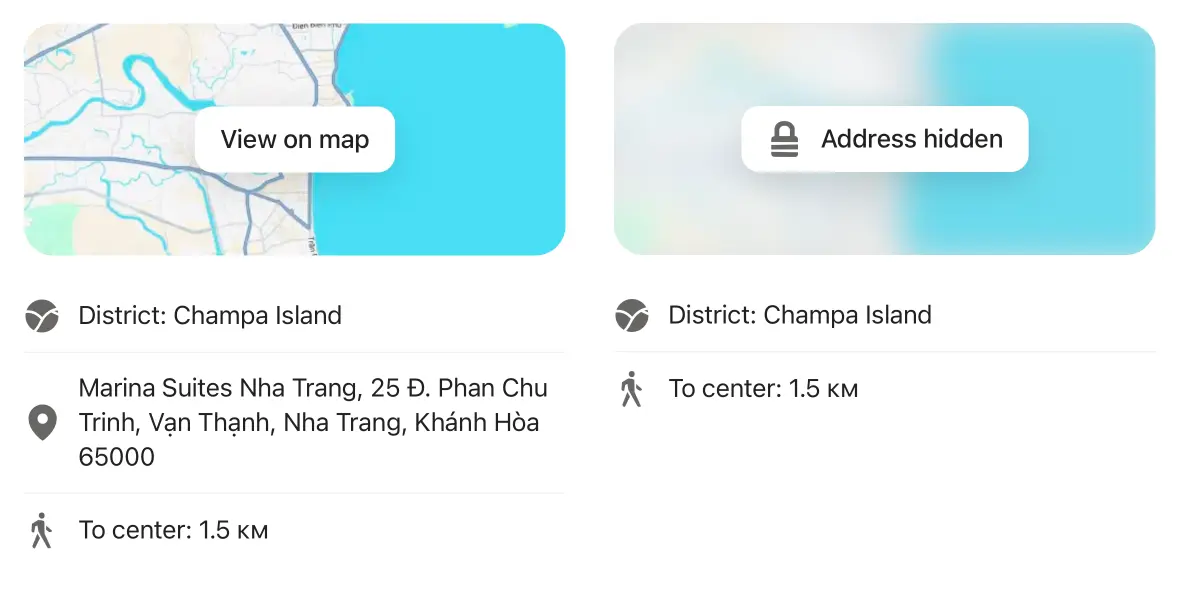
If the location is hidden, the property will disappear from the map, and the address won’t be visible in the listing or available on the map view
If the location is visible, users can see the address, open the property on the map, and quickly understand whether it suits them
We recommend keeping the location visible
Many people search using the map — it’s one of the fastest and most common ways to find housing
Typically, people set a few filters, open the map, browse properties by area, compare prices, review details, and only then open a listing to check the terms and contact the agent
If a property is hidden from the map, some people simply won’t see it